 AyRoo
AyRoo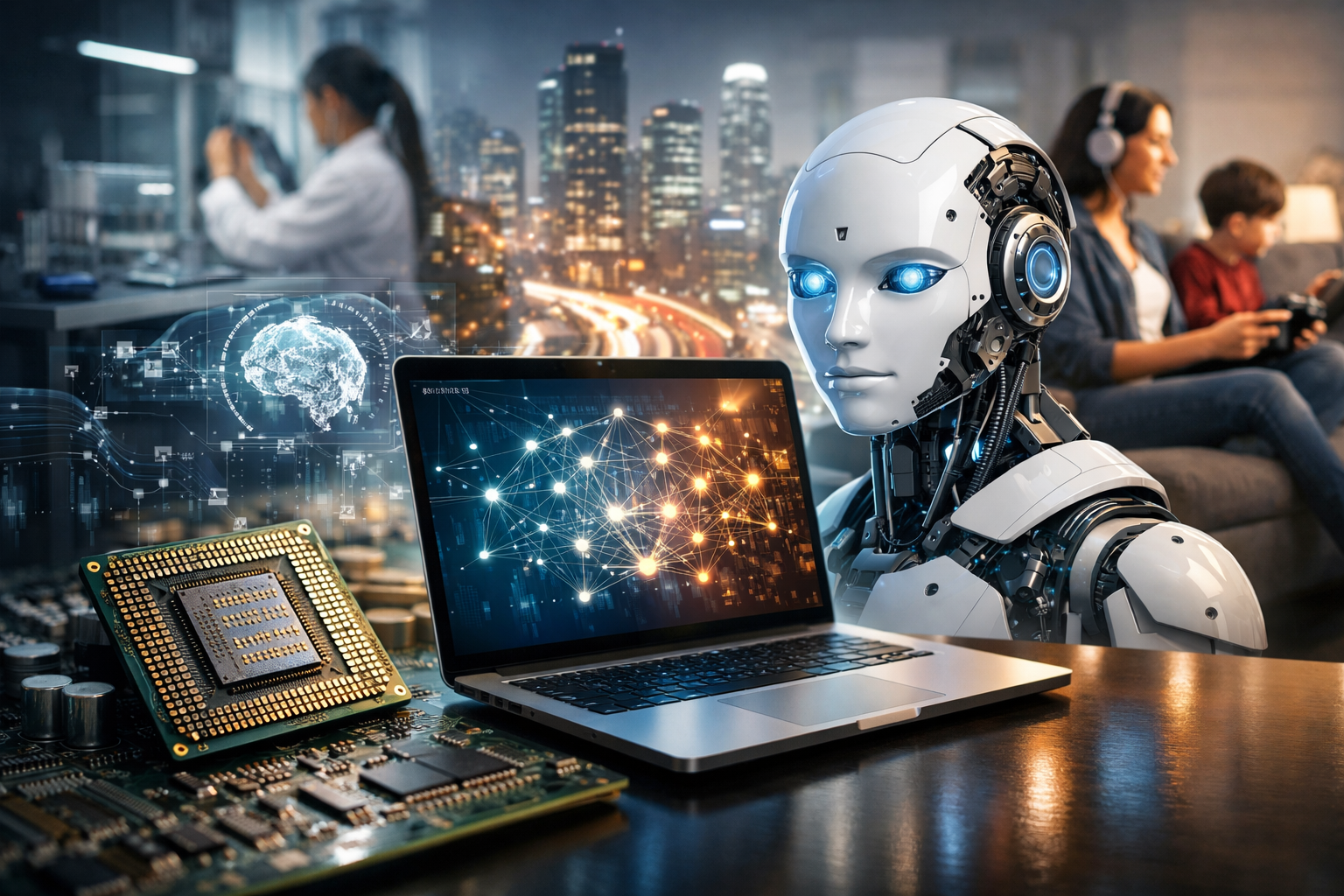
What a Computer Is (and What It Isn’t)
A computer is a programmable device that takes input, performs processing on data, stores information, and produces output. While people often picture a laptop or desktop, the same core idea applies to smartphones, game consoles, smart TVs, car control units, and cloud servers. A computer isn’t “smart” in a human sense—it follows instructions defined by software and ultimately reduced to simple logical operations that electronic components can execute.
What makes computers uniquely powerful is their flexibility: by changing the program, the same hardware can become a word processor, a navigation system, a music studio, or a scientific simulator.
Core Building Blocks: Hardware and Software
Hardware: The Physical Machinery
Hardware refers to the tangible components. Although designs vary widely, most computers include the following essentials:
- CPU (Central Processing Unit): The main processor that executes instructions. It performs arithmetic, logic, and control operations.
- Memory (RAM): Fast working storage used while programs run. RAM is volatile, meaning it clears when power is off.
- Storage (SSD/HDD): Long-term data retention for the operating system, applications, and files. Storage is non-volatile.
- Motherboard: The main circuit board connecting components and enabling communication via buses and chipsets.
- GPU (Graphics Processing Unit): Specialized processor for graphics and parallel workloads such as rendering, video editing, and many AI tasks.
- Input/Output devices: Keyboards, mice, touchscreens, cameras, microphones, monitors, printers, and network adapters.
Software: The Instructions and Ecosystem
Software is the set of programs that tell hardware what to do. It’s commonly grouped into:
- Operating systems: Manage hardware resources and provide the environment for apps (e.g., Windows, macOS, Linux, Android).
- Applications: User-facing programs for tasks like writing, design, communication, and gaming.
- Utilities and drivers: Tools that maintain systems and enable hardware components to work correctly.
Without software, modern hardware is inert. Without hardware, software has nowhere to run. Computing is the partnership between the two.
How Computers Actually Process Information
At the lowest level, computers operate using binary—patterns of 0s and 1s—represented by electrical states. These bits combine into larger units like bytes, which can encode numbers, text, images, and instructions. The CPU follows a repeating cycle often summarized as fetch, decode, execute:
- Fetch: Retrieve the next instruction from memory.
- Decode: Interpret what the instruction means.
- Execute: Perform the operation (such as adding numbers, moving data, or comparing values).
Even complex applications—editing a photo, streaming video, or modeling weather—ultimately break down into massive numbers of these simple steps, coordinated at astonishing speeds.
Types of Computers You Encounter Every Day
Personal Computers
Desktops and laptops balance performance, flexibility, and general-purpose use. They’re common for work, education, and creative tasks due to robust input options and expansive software compatibility.
Mobile Devices
Smartphones and tablets are computers optimized for portability and battery efficiency. Their touch-first interfaces and integrated sensors (GPS, accelerometers, cameras) enable experiences that traditional PCs can’t replicate in the same way.
Servers and Cloud Computing
Servers are computers designed to provide services—websites, file storage, databases, AI inference—to many users simultaneously. In cloud computing, organizations rent computing power and storage on demand, scaling up during peak usage and down when needs shrink.
Embedded Systems and IoT
Many devices contain small computers dedicated to specific tasks: thermostats, medical devices, industrial controllers, and car systems. These often prioritize reliability, low power use, and real-time responsiveness over general flexibility.
Networking: Why Computers Are More Powerful Together
A single computer is useful; a network of computers changes the world. Networking enables resource sharing, collaboration, and global communication. The internet works because devices agree on protocols—standard rules for transmitting data. This infrastructure supports email, video calls, streaming, online banking, and the vast ecosystem of web services.
Modern computing often happens across multiple machines: your phone might display an app while the data processing occurs on remote servers, synchronized through networks in milliseconds.
Performance and Practical Specs That Matter
When evaluating a computer, raw numbers can mislead unless you connect them to your needs. Key considerations include:
- CPU: Affects general responsiveness, multitasking, and compute-heavy applications.
- RAM: More RAM helps keep many apps and browser tabs open without slowdowns.
- Storage type and size: SSDs feel much faster than HDDs for launching apps and loading files.
- GPU: Crucial for gaming, 3D work, video processing, and many machine learning workflows.
- Battery and thermals: Especially important for laptops; performance can drop if a device overheats.
- Connectivity: Wi‑Fi standards, Ethernet, Bluetooth, and port selection shape real-world convenience.
Security, Privacy, and Responsible Use
Because computers store sensitive information and connect to networks, they are targets for misuse. Good computing habits reduce risk:
- Update regularly: Security patches close known vulnerabilities.
- Use strong authentication: Password managers and multi-factor authentication improve protection.
- Back up important data: Protect against hardware failure, accidental deletion, and ransomware.
- Be cautious with permissions: Apps and websites often request more access than necessary.
Beyond personal security, responsible computing includes considering digital well-being, misinformation, and the environmental footprint of hardware manufacturing and data centers.
The Future of Computers: Trends Shaping What Comes Next
Computing continues to evolve in both capability and form. Several trends stand out:
- AI-accelerated computing: Dedicated chips and optimized software make tasks like image recognition and language processing faster and more accessible.
- Edge computing: More processing happens on devices near the data source, reducing latency for applications like autonomous systems and smart factories.
- Energy-efficient design: Performance per watt is becoming as important as raw speed, driven by mobile needs and data-center scale.
- New paradigms: Quantum computing and neuromorphic ideas explore alternatives to traditional architectures for specialized problems.
Despite rapid change, the core story remains consistent: computers extend human ability to calculate, communicate, create, and coordinate. Understanding their fundamentals—hardware, software, and networks—helps you make smarter choices as a user, learner, or builder in an increasingly digital world.