 AyRoo
AyRoo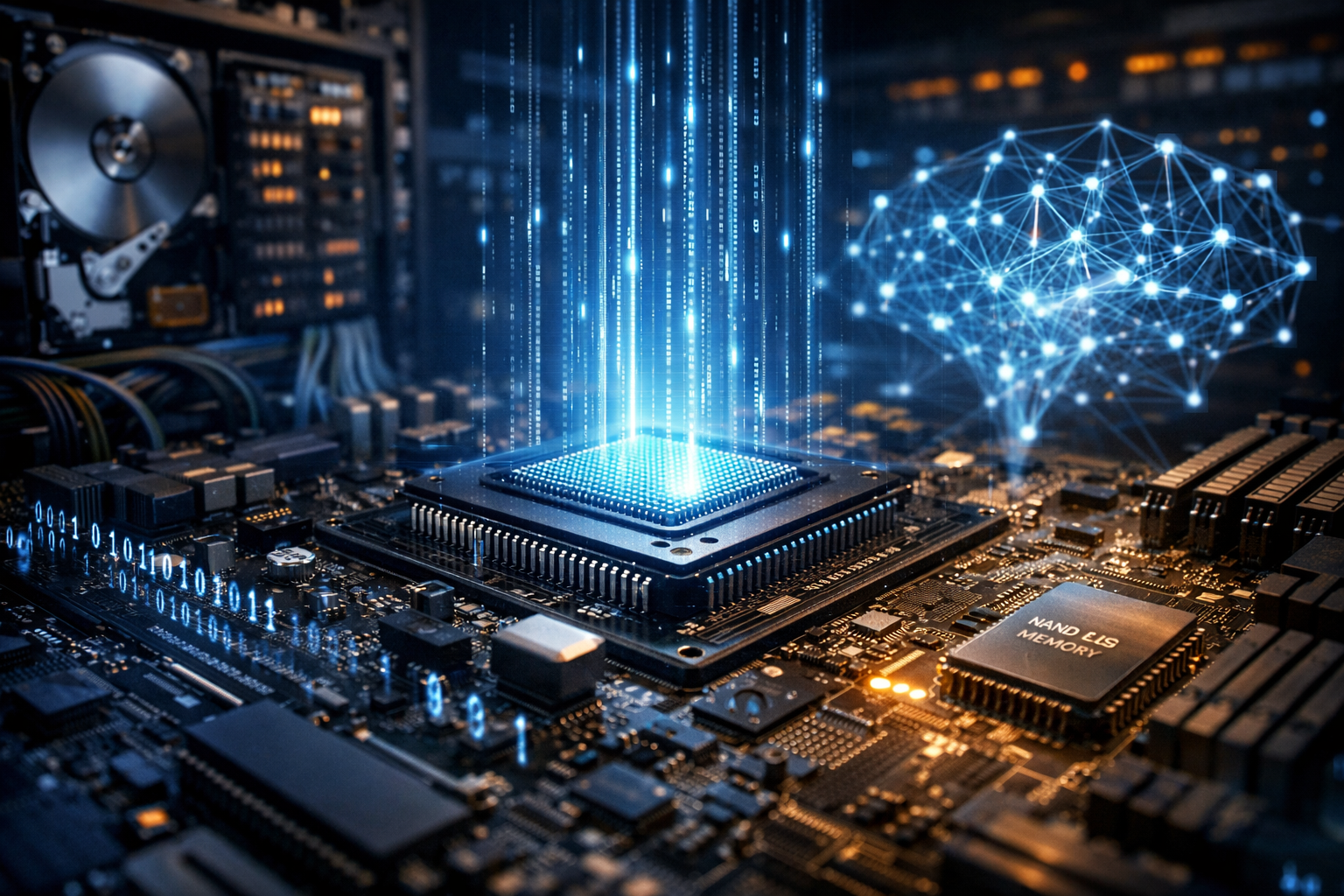
What a Computer Really Is
A computer is a programmable machine that takes input, processes it according to instructions, stores data, and produces output. While phones, laptops, servers, and smart TVs look different, they share the same foundational idea: transforming information in a reliable, repeatable way. The “magic” is not a single part, but the coordinated work of components that move and manipulate data at high speed.
At its core, a computer operates on binary states—ones and zeros—represented physically by electrical signals, magnetic orientations, or charge levels. By combining simple operations, computers can perform complex tasks like editing video, forecasting weather, or running a global e-commerce platform.
Core Hardware Components
Hardware is the physical layer of a computer. Each component has a distinct role, and performance depends on how well these pieces work together.
- Central Processing Unit (CPU): The general-purpose “brain” that executes instructions. Modern CPUs contain multiple cores so they can run tasks in parallel.
- Memory (RAM): Fast, temporary storage used to hold working data and programs while they run. More RAM helps with multitasking and large datasets.
- Storage (SSD/HDD): Long-term data storage. SSDs are faster and more durable than traditional hard drives, making systems feel more responsive.
- Motherboard and Chipset: The main circuit board that connects components and manages data pathways, expansion slots, and peripheral connectivity.
- Graphics Processing Unit (GPU): Specialized for parallel computation. GPUs accelerate graphics and are widely used for AI, scientific simulations, and video processing.
- Power Supply and Cooling: Provide stable energy and keep components within safe temperatures—critical for performance and longevity.
- Input/Output Devices: Keyboards, mice, touchscreens, cameras, monitors, speakers, printers, and network adapters let computers interact with people and the world.
How Computers Process Information
Computation is built on cycles of instruction execution. A simplified model is often described as the fetch–decode–execute loop:
- Fetch: The CPU retrieves the next instruction from memory.
- Decode: The CPU interprets what the instruction means (for example, add two numbers, compare values, or move data).
- Execute: The CPU performs the action, which may involve the arithmetic logic unit (ALU), registers, cache, and memory reads/writes.
To reduce waiting time, CPUs rely on caches—small, extremely fast memory layers that store frequently used data. They also use techniques like pipelining, branch prediction, and out-of-order execution to keep internal units busy, improving throughput.
Software: The Instructions That Make Hardware Useful
Software is the set of programs and data that tell hardware what to do. It spans multiple layers, each abstracting complexity:
Operating Systems
An operating system (OS) manages hardware resources and provides services for applications. It schedules tasks on the CPU, allocates memory, controls storage access, and handles devices. Examples include Windows, macOS, Linux, Android, and iOS.
Applications
Applications are user-facing programs—web browsers, spreadsheets, games, design tools, and messaging apps. They depend on OS features like file systems, networking, and security permissions.
Programming Languages and Runtimes
Developers write software in languages such as Python, JavaScript, C, C++, Java, and Rust. Some languages compile to machine code for speed; others run through interpreters or virtual machines for portability and safety. Libraries and frameworks provide reusable building blocks, accelerating development.
Networking and the Internet: Computers as Connected Systems
Most computers reach their full potential when connected. Networking enables file sharing, cloud services, real-time collaboration, and distributed computing. Key ideas include:
- Protocols: Standard rules like TCP/IP and HTTP that ensure devices can communicate reliably.
- Addressing and Routing: IP addresses identify devices; routers direct traffic across networks.
- Client–Server Models: Clients request data or services (like a web page) from servers that provide them.
- Encryption: Technologies like TLS protect data in transit, helping defend against interception and tampering.
Networking also introduces challenges: latency, bandwidth limits, and security threats. Designing resilient systems often involves redundancy, monitoring, and careful access control.
Types of Computers and Where They’re Used
Computers come in many forms, optimized for different needs:
- Personal Computers: Laptops and desktops used for productivity, creativity, education, and entertainment.
- Workstations: High-performance systems for engineering, 3D modeling, data science, and media production.
- Servers: Machines built to deliver services—web hosting, databases, authentication, and storage—often running 24/7.
- Supercomputers: Massive clusters used for scientific research, climate modeling, cryptography, and large-scale simulations.
- Embedded Systems: Specialized computers inside cars, appliances, medical devices, and industrial equipment.
Security and Reliability: Protecting Data and Uptime
Because computers store valuable information and run critical processes, security is essential. Good practices combine technology and behavior:
- Updates and Patch Management: Fix vulnerabilities in operating systems, apps, and firmware.
- Strong Authentication: Password managers, multi-factor authentication, and least-privilege access.
- Backups: Regular, tested backups protect against ransomware, hardware failure, and accidental deletion.
- Malware Defense: Endpoint protection, safe browsing habits, and application permissions reduce risk.
Reliability also depends on hardware quality, cooling, power stability, and monitoring. In professional environments, systems are engineered for redundancy—multiple disks, power supplies, and network paths—to keep services running.
Emerging Trends Shaping the Future of Computing
Artificial Intelligence on Everyday Devices
AI workloads are increasingly supported by dedicated accelerators in phones and PCs, enabling features like real-time translation, photo enhancement, and local assistants while improving privacy by processing data on-device.
Cloud and Edge Computing
Cloud platforms offer elastic resources on demand, while edge computing brings processing closer to where data is created—factories, hospitals, vehicles—reducing latency and bandwidth use.
Energy Efficiency and Sustainable Design
As computing scales, efficiency matters. Advances in chip architecture, data center cooling, and power-aware software aim to deliver more performance per watt and reduce environmental impact.
Quantum Computing (Longer-Term)
Quantum computers explore new ways to solve certain problems by using quantum states. While still experimental and not a replacement for classical machines, they may eventually benefit fields like materials science and optimization.
Conclusion
Computers are versatile systems built from carefully coordinated hardware and layered software. They compute through simple operations repeated at extraordinary speed, connect through networks that span the globe, and support everything from personal creativity to critical infrastructure. Understanding the basics—components, processing, software layers, and security—makes it easier to choose, use, and trust the machines that increasingly shape modern life.